Request Datasheet
Controller
SLA-SCN4-HC Controller
SLA-SCN4-HC synchronous controller for four Hall-sensor linear actuators: 12–48 VDC, 25 A, touch handle and 2.4 GHz remote, 3 memory positions, LED stroke…
Key specifications
- Actuator count
- 4 linear actuators
- Input voltage
- 12–48 V DC, for 12 V or 24 V
- Output voltage
- 12–48 V DC, for 12 V or 24 V
- Maximum current
- 25 A
- Control method
- Interlocking mode or momentary mode
- Hall sensor support
- Required on each actuator
Product overview
SLA-SCN4-HC synchronous controller for four Hall-sensor linear actuators: 12–48 VDC, 25 A, touch handle and 2.4 GHz remote, 3 memory positions, LED stroke display.
- Actuator count
- 4 linear actuators
- Input voltage
- 12–48 V DC, for 12 V or 24 V
- Output voltage
- 12–48 V DC, for 12 V or 24 V
- Maximum current
- 25 A
- Control method
- Interlocking mode or momentary mode
- Hall sensor support
- Required on each actuator
Applications
- Industrial Automation
- Furniture
- Solar Tracking
- Lifting
Benefits
- Keeps four Hall-feedback linear actuators moving in sync
- 12–48 VDC input, 25 A rated current
- Six-button touch handle: ▲, ▼, 1, 2, 3 and R
- 2.4 GHz wireless remote with real-time stroke display
- Three memory positions
- External manual-switch or limit-switch input
- Slows near end positions and keeps 1 mm reserve travel when fully retracted
Technical specifications
| Actuator count | 4 linear actuators |
|---|---|
| Input voltage | 12–48 V DC, for 12 V or 24 V |
| Output voltage | 12–48 V DC, for 12 V or 24 V |
| Maximum current | 25 A |
| Control method | Interlocking mode or momentary mode |
| Remote control | 2.4 GHz wireless remote, 10 m / 30 ft theoretical range |
| Hall sensor support | Required on each actuator |
| Limit switch support | External manual switch or limit switch input (UP / DOWN + COM), selected when ordering |
Installation, electrical and use information
External Control Option · Connect Touch Handle · Connect Actuators · Connect Power Supply
External Control Option
Supports either manual switch function or limit switch function.
1
Connect Touch Handle
Connect the touch control handle to the Hand Set port of the controller.
2
Connect Actuators
Connect the four linear actuators to CH1, CH2, CH3, and CH4.
3
Connect Power Supply
Connect the DC power supply positive pole to + and negative pole to –.
Operation Guide
Wireless Remote Operation
The remote control can operate the actuators in momentary mode or interlocking mode.
The LED display shows real-time stroke data, such as UP 29.5 cm or DN 20.0 cm.
Momentary Mode
- Hold ▲: all actuators extend.
- Hold ▼: all actuators retract.
- Release the button to stop.
Interlocking Mode
- Press ▲: actuators extend automatically to the maximum stroke.
- Press ▼: actuators retract automatically to the bottom.
- Press any button or stop button to stop during operation.
External Control
Manual Switch or Limit Switch Function
The external control terminals can be configured as either manual switch input or limit switch input.
Please select the required function when ordering.
| Function | Connection | Description |
|---|---|---|
| Manual Switch | UP + COM / DOWN + COM | Connect an external UP/DOWN manual switch to operate all actuators. |
| Limit Switch | UP + COM / DOWN + COM | Connect two normally open limit switches to stop the actuators automatically. |
| External Reset | RST + COM | Connect RST and COM to reset the system when required. |
Memory & Reset
Request technical documents
FAQ
What is the SLA-SCN4-HC?
The SLA-SCN4-HC is an Elerover controller for industrial and OEM motion projects.
Does Elerover manufacture the SLA-SCN4-HC?
Yes. Elerover is a controller manufacturer and supplier. Share your application requirements and quantity for a factory quote on this model.
What are the key specifications of the SLA-SCN4-HC?
Key ratings from the product specifications include voltage 12–48 VDC, for 12 V or 24 V linear actuators. See the Technical Specifications section on this page for the full table.
How do I request a quote for the SLA-SCN4-HC?
Send load, stroke, voltage, IP rating, duty cycle and quantity via the contact form or WhatsApp.
Request a quote
Quote context
Related products
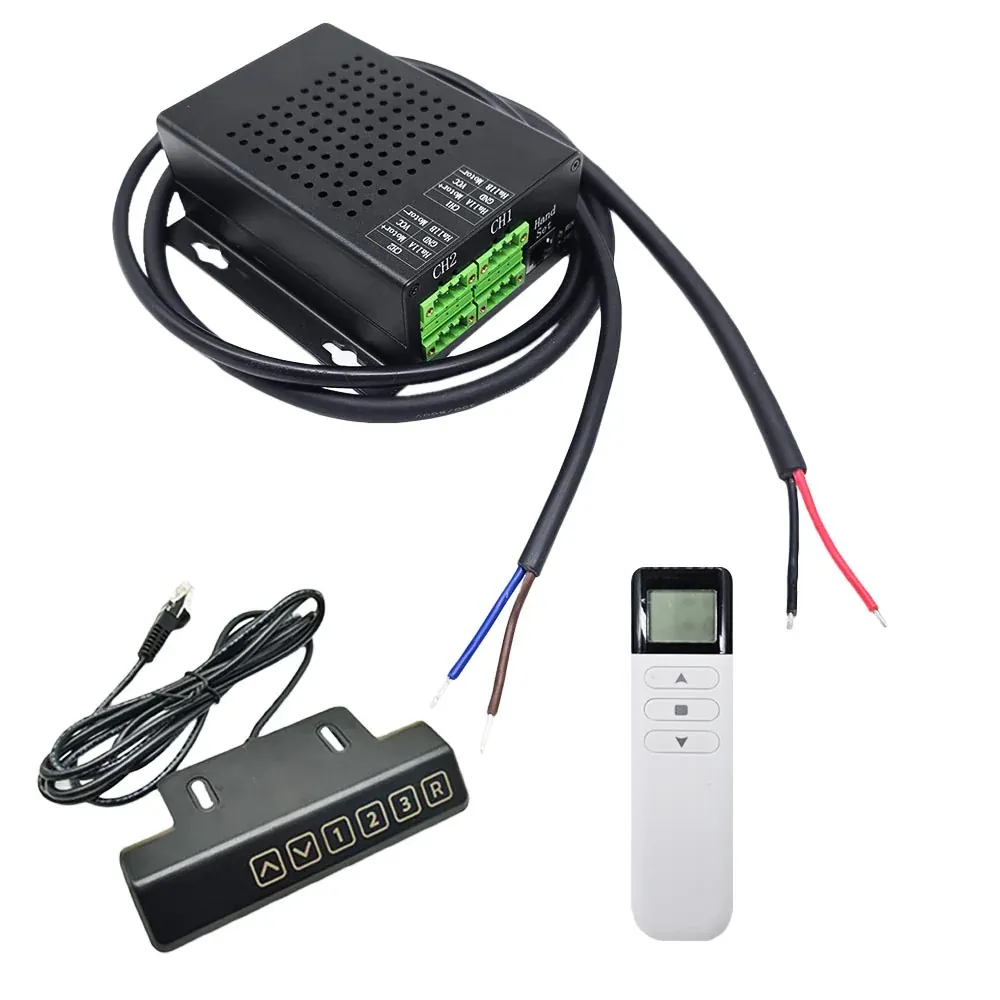
SLA-SCN2-HC One-Control-Two Synchronous Controller
- Supported actuator count
- 2 linear actuators
- Voltage
- 12–48 V DC, for 12 V or 24 V
- Maximum current
- 25 A
SLA-SCN2-HC synchronous controller for two Hall-sensor linear actuators: 12–48 VDC, 25 A, touch handle and 2.4 GHz remote, 3 memory positions, LED stroke display.
View Details →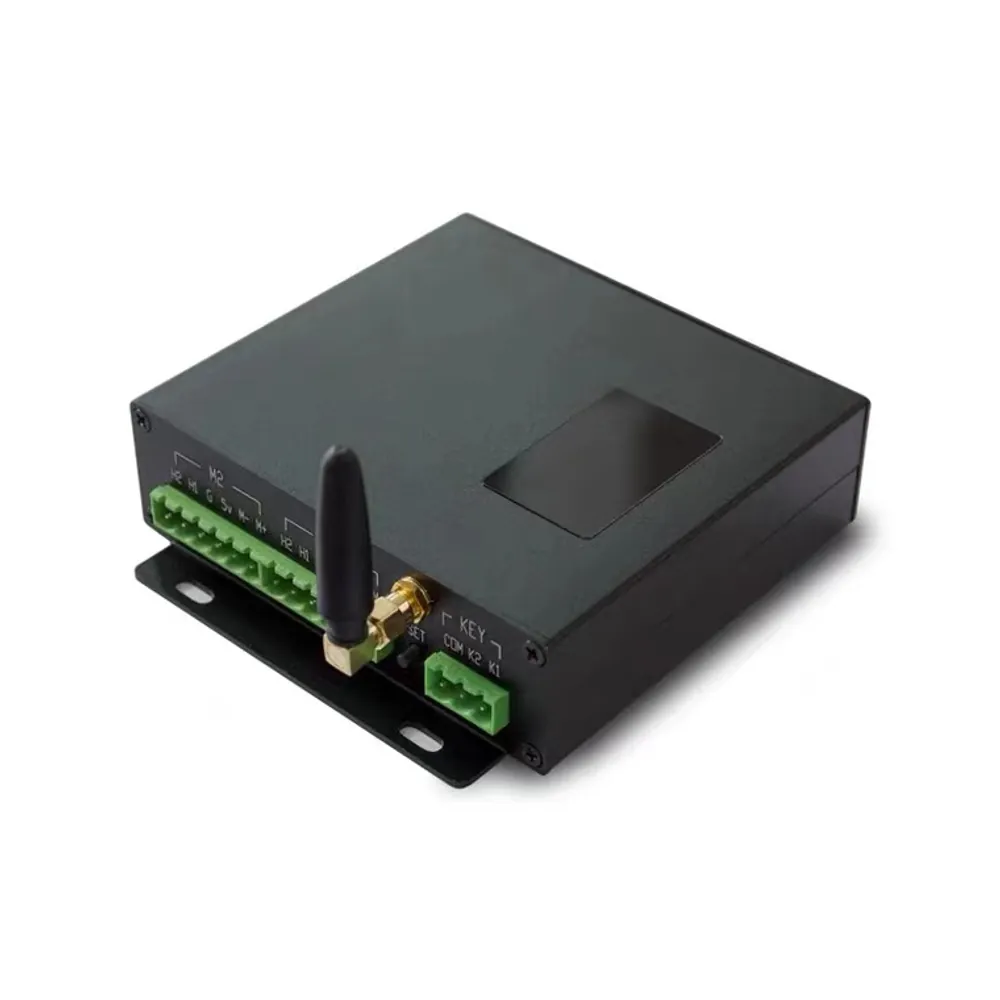
SLA-SCN04 one control four synchronized controller
- Supported actuator count
- 4
- Voltage
- 12 – 48 V DC
- Maximum current
- 10 A per motor
- Synchronization
- Within 3 pulses (< 1 mm)
SCN04 synchronous controller for four Hall-feedback linear actuators: 12–48 VDC, 10 A per motor, sync within 3 pulses (< 1 mm), wired and wireless control, RS485 ModBus-RTU.
View Details →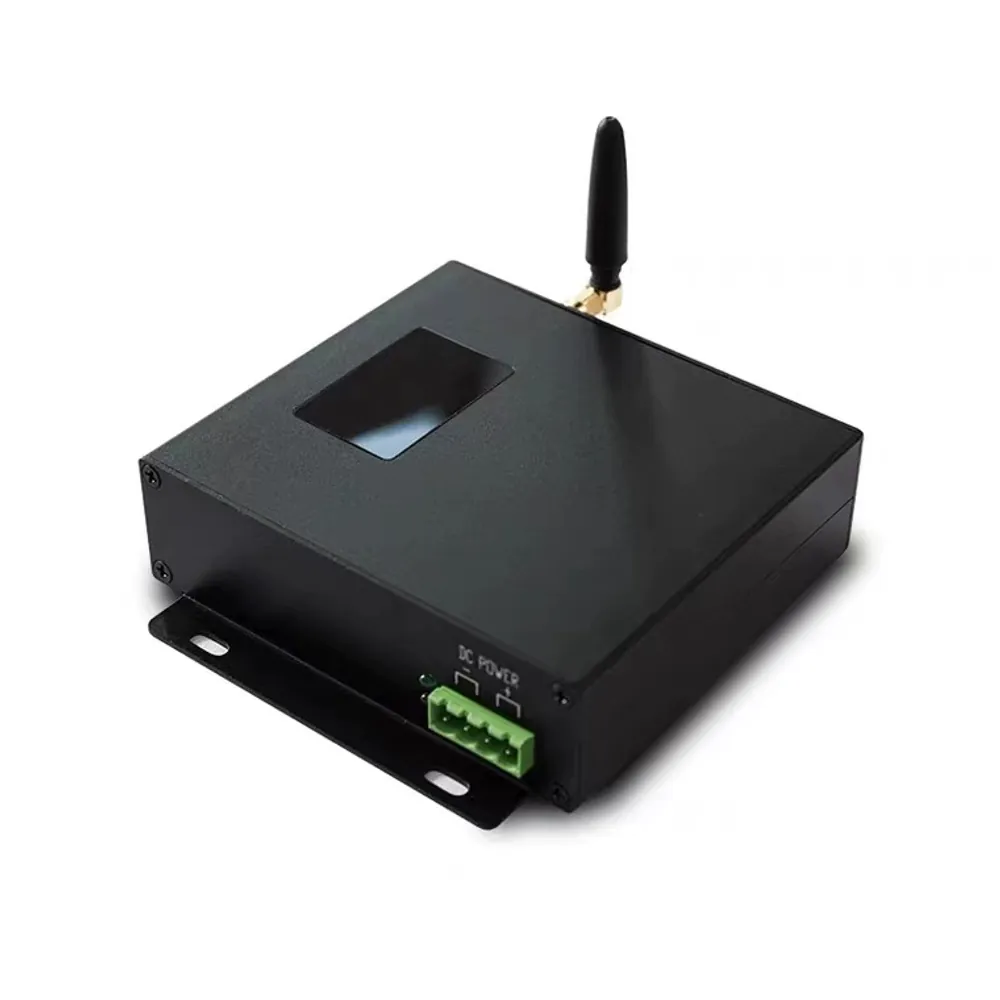
SLA-SCN02 one control two Synchronous Controller
- Supported actuator count
- 2
- Voltage
- 12 – 48 V DC
- Maximum current
- 10 A per motor
- Synchronization
- Within 3 pulses (< 1 mm)
SCN02 synchronous controller for two Hall-feedback linear actuators: 12–48 VDC, 10 A per motor, sync within 3 pulses (< 1 mm), wired and wireless control, RS485 ModBus-RTU.
View Details →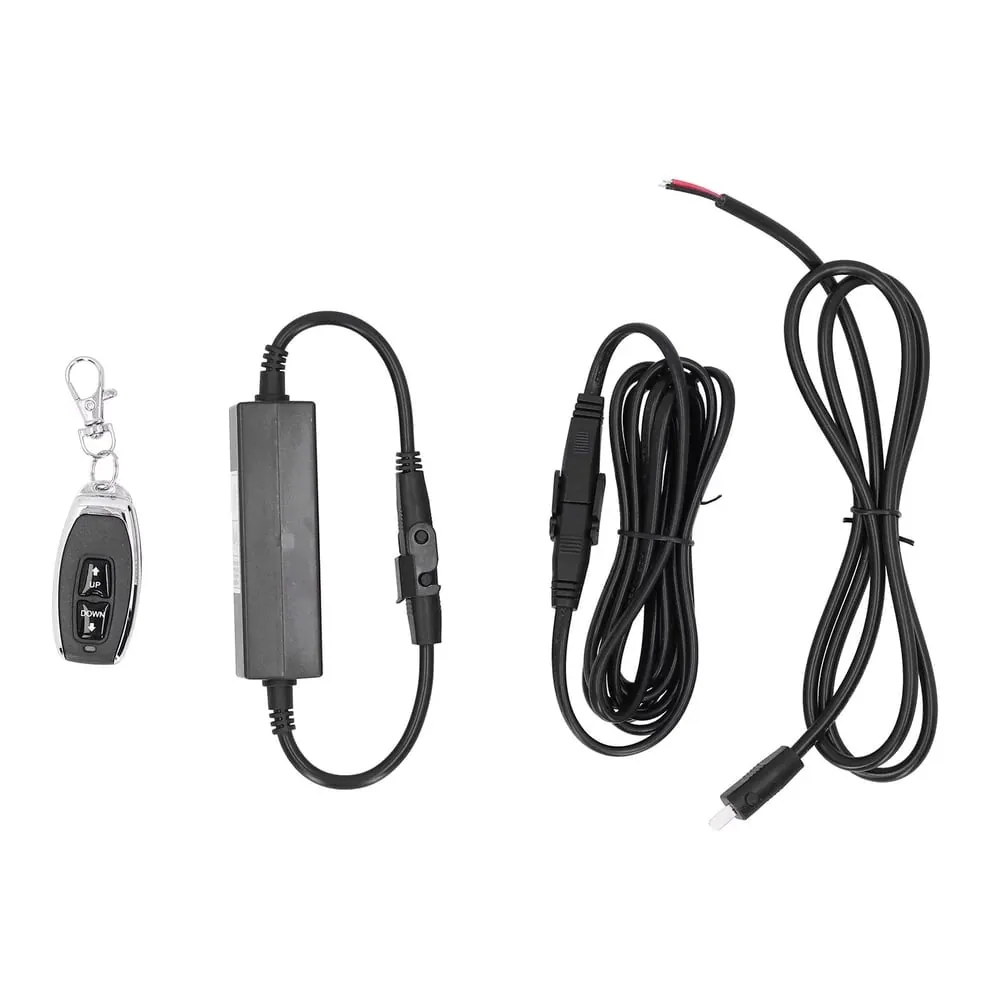
SLA-CX03 remote controller
- Voltage
- 12 V DC
SLA-CX03 wireless remote receiver for DC linear actuators and motors: 433.92 MHz, up to 30 m range, 12 VDC, extend/retract/stop, overcurrent and overheat protection.
View Details →